
Choose the TwoTrees ED1 Standard if your planned work is mainly flat-stock CNC routing reachable from one setup and you want to add capabilities deliberately later. Choose the ED1 All-in-One when your projects already call for circumferential access, vise-based workholding, and systematic origin finding.
Both packages use the same ED1 platform: a 600W variable-frequency spindle, a 300 × 200 × 120 mm work area, and a five-tool magazine. The official TwoTrees ED1 CNC router machine identifies the All-in-One as adding a 4th axis, vise, and edge finder to the Standard configuration. The decision is therefore which combination of capabilities matches the work you expect to run—not which package has the more impressive name.
Standard Suits Flat-Stock Work and Staged Expansion
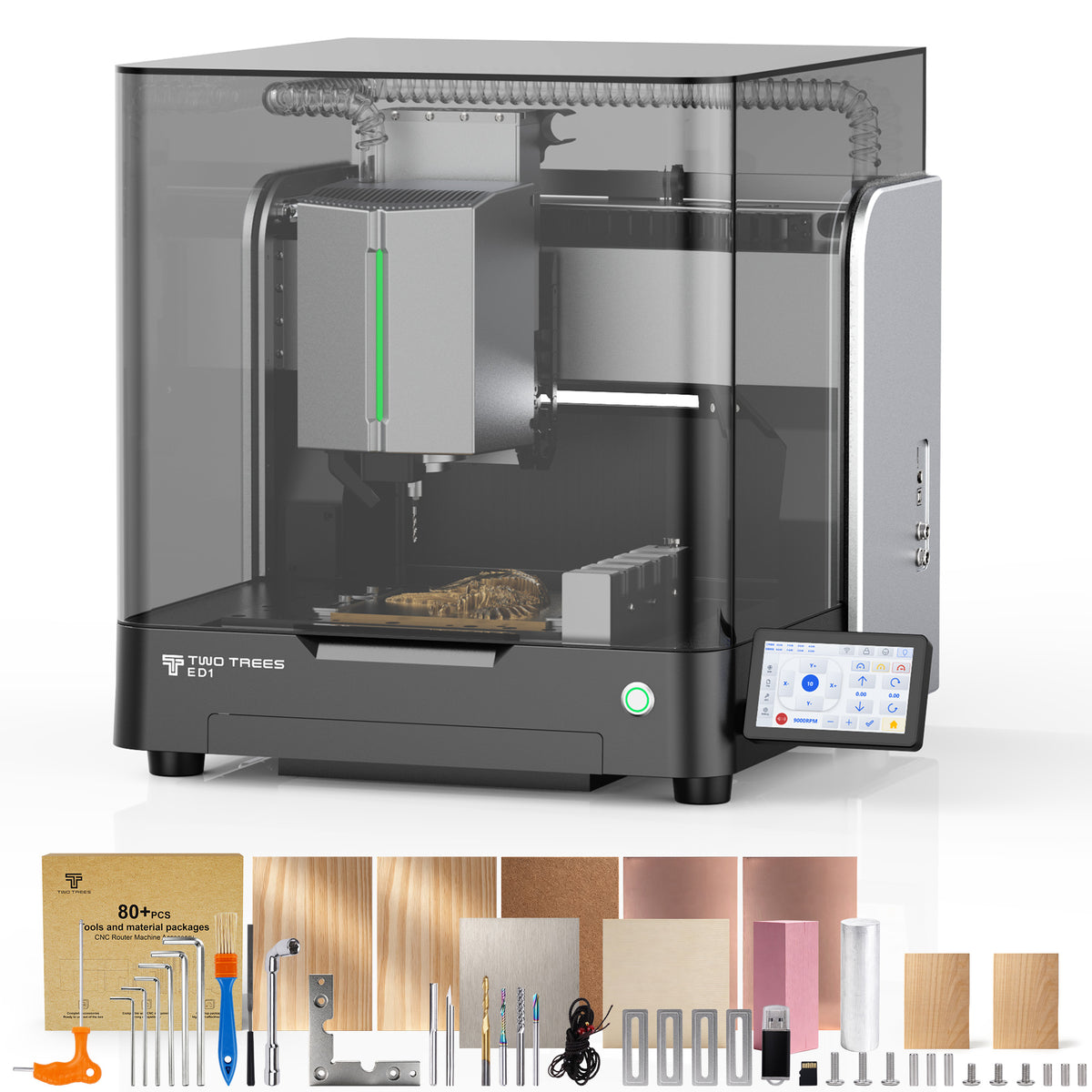
The Standard package fits a maker whose current projects are primarily flat-stock work reachable from one setup: wooden plaques, signage, panels, templates, inlays, and relief carving on sheet material. These projects use the ED1’s flat work area and tool-changing capability without requiring a rotary axis or vise-centered workflow.
Standard is also a sensible choice when expansion will be deliberate. The ED1 platform supports separately available accessories, so a buyer can begin with flat-stock work and add a capability when a real project requires it. A maker cutting flat wood plaques, for example, may not need a rotary axis at all; adding one before there is circumferential work to run can add setup complexity without adding capability to the current workflow.
All-in-One Fits Rotary, Multi-Sided, and Vise Work

The All-in-One package is the more direct fit when the planned work already includes small cylindrical parts or multi-sided parts. The included 4th-axis rotary module is useful for circumferential access: instead of working only across a flat sheet, it supports machining around a rotating axis. The ED1 page identifies cylindrical and multi-sided machining as the rotary module’s role.
Hypothetical example: a maker making small round wooden handles may find a rotary setup useful for reaching features around the outside of cylindrical stock, though other manufacturing approaches can also produce such parts. A maker making small rigid prototype blocks with features on multiple faces may benefit from vise-based workholding and a repeatable way to establish origins, even if the part is not cylindrical.
The included aluminum vise secures suitable stock during cutting. The workpiece probe locates a reference rather than supplying clamping force. The included edge finder supports origin positioning, helping establish where the work coordinate system begins relative to the part.
The published 300 × 200 × 120 mm work area describes the ED1 platform’s work area; it should not be read as a guarantee that any stock, rotary setup, vise, or clamp configuration will fit with full clearance. Accessory geometry, part size, tool length, and fixture position all affect what can physically be run.
Not Every 3D Relief Needs a Fourth Axis
A relief carved into a flat panel is still flat-stock work reachable from one setup, even though the finished design may have three-dimensional appearance. If the stock remains flat and the tool moves across X and Y while controlling depth in Z, it does not inherently require a rotary axis.
A fourth axis becomes relevant when the work needs to be presented to the cutter from around a rotating axis—such as a cylindrical handle, a rounded column, or a part with features distributed around its circumference. It can also help with certain multi-sided strategies, but it does not automatically make every three-dimensional-looking design easier. The right question is whether the physical part needs circumferential access, not whether the artwork looks dimensional on screen.
Dust Collection Is a Separate Decision
Dust collection affects the workspace and cleanup, not whether the machine can rotate a part or hold it in a vise. TwoTrees lists the M3 dust collector as an optional independent selection for the ED1, separate from the Standard-versus-All-in-One package difference.
Plan extraction around the material and machining operation, whichever ED1 package you choose. An enclosure contains the working area; it does not make the dust-management accessory a rotary or locating tool.
Choose by the Capability You Will Use
| If your projects mainly involve… | The closer package fit is… | Why |
|---|---|---|
| Flat signs, panels, plaques, and relief work on sheet stock | ED1 Standard | The core routing platform supports flat-stock work without requiring rotary or vise-centered setup |
| Cylindrical parts or features around a part | ED1 All-in-One | The included 4th-axis rotary module addresses circumferential access and multi-sided machining |
| Small rigid parts needing repeatable vise holding | Standard plus the vise, or All-in-One when its full combination is useful | The included aluminum vise is intended for precision clamping |
| Repeatable origin finding on compatible parts | Standard plus the probe, or All-in-One when its full combination is useful | The included edge finder supports origin positioning |
| Dust-producing work | Either package, plus the optional M3 dust collector | Dust collection is an independent workspace selection, not a package differentiator |
The ED1 Standard is a coherent choice for flat-stock projects and planned expansion. The ED1 All-in-One is the better fit when circumferential access, vise workholding, and systematic origin finding are already part of the intended workflow. A buyer who needs only one added capability can also choose Standard plus the dedicated accessory; the All-in-One makes sense when the included combination matches the intended work.
Is a workpiece probe the same as a tool-length setter?
No. The ED1’s wired probe supports origin positioning—establishing where the work coordinate system begins relative to the part—while tool-length setting establishes the tool’s reference in Z. They address different parts of setup, so one does not replace the other.
Do all All-in-One accessories need to be installed at the same time?
No. The rotary module, vise, and edge finder serve different setup roles, and a project may use only the accessory relevant to that job. Physical setup, part geometry, and fixture fit determine what needs to be installed for a given run.


